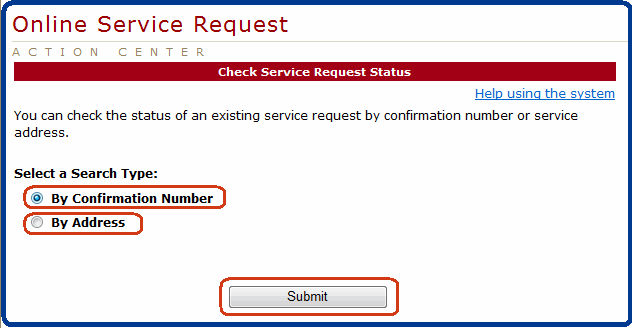
You can get to this page by clicking "Service Request Status" button on the Welcome page, or by clicking the "Service Request Status" link under "Online Service Request" on the left.
You can check the status of an existing service request by either confirmation number or service address. Select one of the two search types, and click the "Submit" button to move on.